

The arrival of Microsoft Flight Simulator 2024 on the PlayStation 5 marks a significant moment for console aviation enthusiasts. For years, the franchise has been closely tied to the PC ecosystem, where expansive hardware compatibility allows simmers to build highly realistic cockpits. With the PS5 version, however, things look a bit different. While the experience is visually stunning and technically impressive, the ecosystem of compatible peripherals—controllers, flight sticks, and rudder pedals—is currently much more limited.
The Default Experience: DualSense Controller
For most players, the journey into Microsoft Flight Simulator 2024 on PS5 begins with the standard DualSense Wireless Controller. This controller is fully supported and serves as the baseline input device for the game.
The DualSense offers a surprisingly capable flying experience. Thanks to its analog sticks, players can control pitch and roll with reasonable precision. The triggers can be mapped to throttle inputs, while the touchpad and motion sensors add extra layers of interaction. Features like adaptive triggers and haptic feedback, although not essential to flight simulation, contribute to immersion in subtle ways.
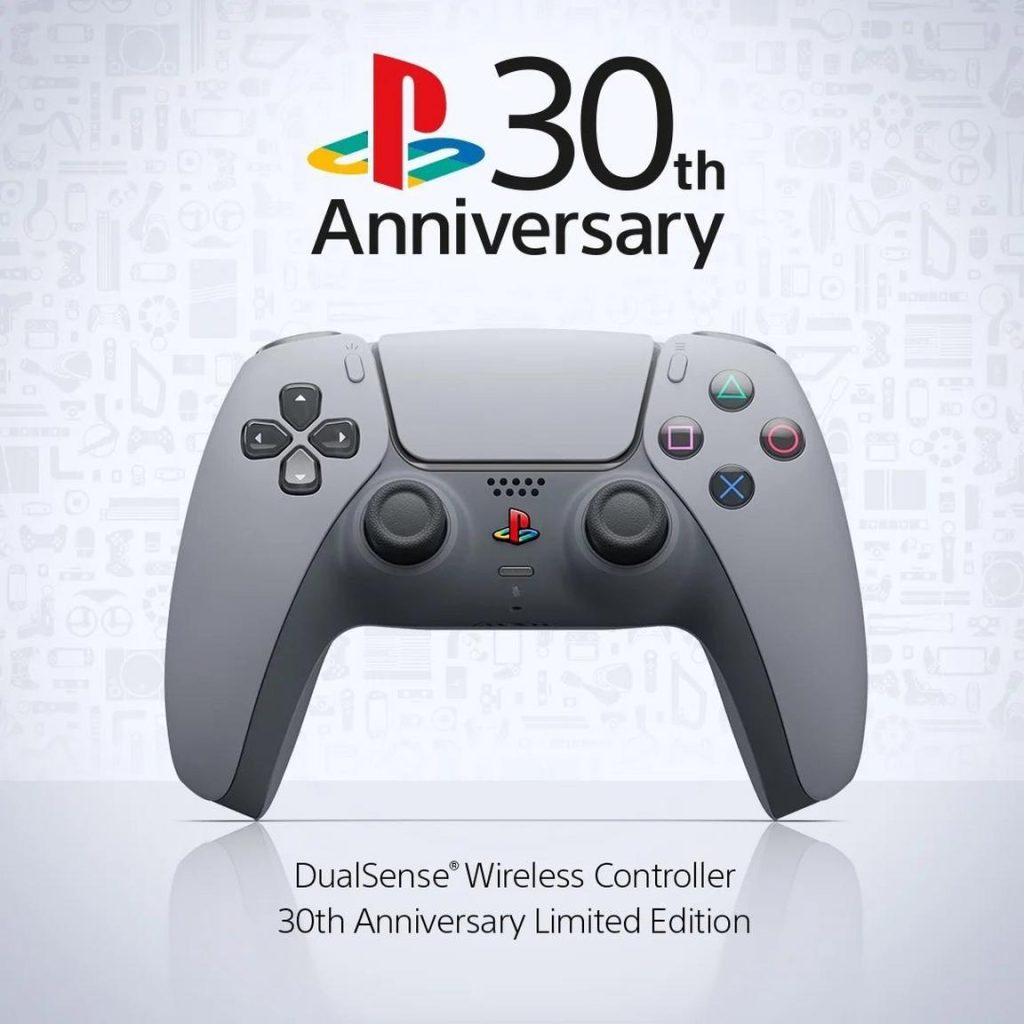

For casual players, or those just getting started, the DualSense is more than enough. It allows access to the full game without additional investment and provides a streamlined, intuitive way to control aircraft ranging from small propeller planes to large commercial jets.
However, while the controller is versatile, it does have limitations. Fine control—especially during landing or in turbulent conditions—can feel less precise compared to dedicated flight hardware. This is where flight sticks, or HOTAS systems, come into play.
The Only Official Flight Stick: Thrustmaster T.Flight HOTAS 4
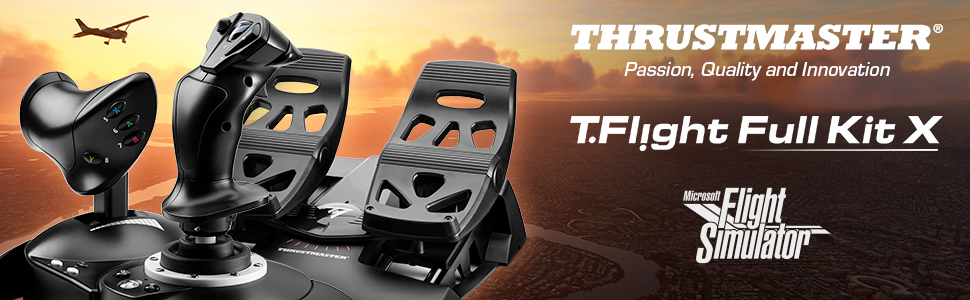
At present, the only officially supported flight stick for Microsoft Flight Simulator 2024 on PS5 is the Thrustmaster T.Flight HOTAS 4. HOTAS stands for “Hands On Throttle and Stick,” and this device delivers exactly that: a joystick for controlling the aircraft’s orientation and a separate throttle unit for managing engine power. The two can be used together or attached as a single unit, depending on user preference.

Why HOTAS 4 Matters
The HOTAS 4 is significant not because it is the most advanced flight stick on the market—it is not—but because it is currently the only one that works natively with the PS5 version of the simulator. It is officially licensed for PlayStation, which ensures compatibility without the need for workarounds or adapters.
For players seeking a more immersive experience than the DualSense can provide, this is the natural next step.
Features and Capabilities
- Analog joystick with adjustable resistance
- Detachable throttle control
- Programmable buttons for cockpit functions
- Plug-and-play support on PS5
While it lacks the precision and build quality of high-end PC flight sticks, it still provides a noticeable upgrade in realism. Maneuvers such as smooth banking, coordinated turns, and gradual descents become easier and more intuitive.
Rudder Pedals: Limited but Functional
Rudder pedals are an important component of realistic flight simulation. They allow pilots to control yaw (side-to-side movement of the aircraft’s nose) and are essential for coordinated turns, crosswind landings, and taxiing on the ground.
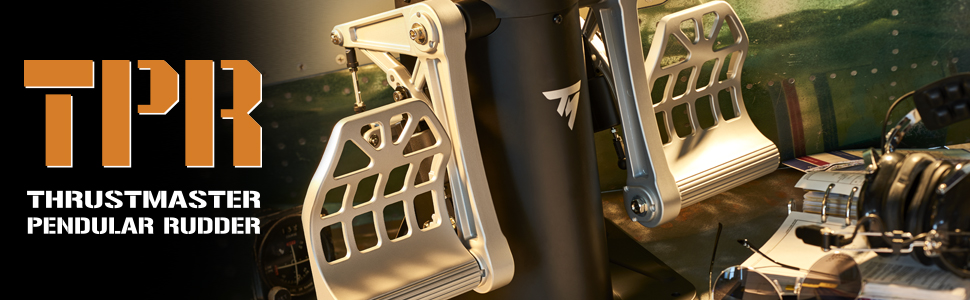
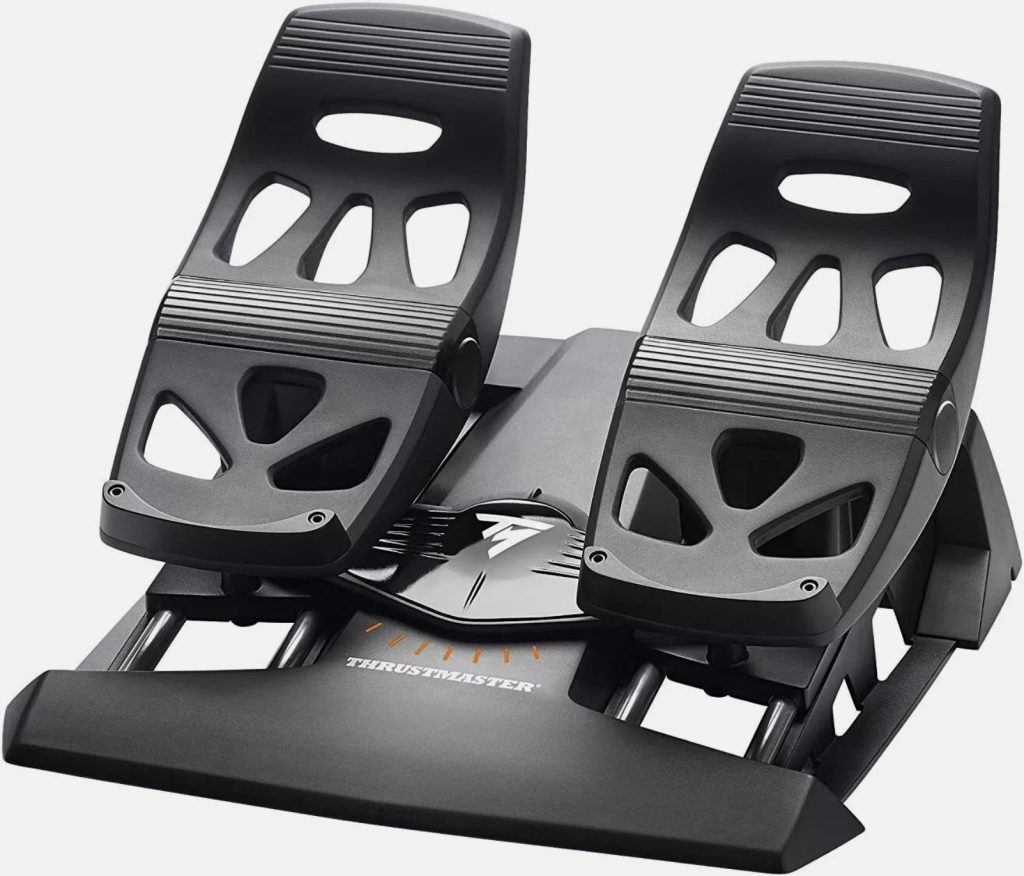
On PS5, rudder pedal support is extremely limited. The only viable option is the Thrustmaster T.Flight Rudder Pedals (TFRP).
How They Work
Unlike on PC, where rudder pedals can often be connected directly via USB, the TFRP pedals must be connected through the HOTAS 4 system. In other words, they do not function as standalone peripherals on the PS5.
What You Gain
- More realistic yaw control
- Improved taxiing precision
- Better handling during takeoff and landing
For players who already own the HOTAS 4, adding these pedals enhances immersion significantly. However, the requirement to connect them through the HOTAS limits flexibility and highlights the broader constraints of the PS5 platform.

Which PlayStation 5 model is best for MSFS 2024?
If your goal is the best possible experience of MSFS 2024 (on PS5) in terms of visuals, frame-rate, load times and future scalability — the Sony PlayStation 5 Pro is the recommended choice. The Pro model has enhanced GPU power, faster memory handling and better thermal/headroom characteristics, which help when dealing with a massive open-world sim that streams terrain, textures, AI traffic and aircraft systems. The extra storage (often larger internal SSD) also matters since MSFS grows over time with updates and add-ons.
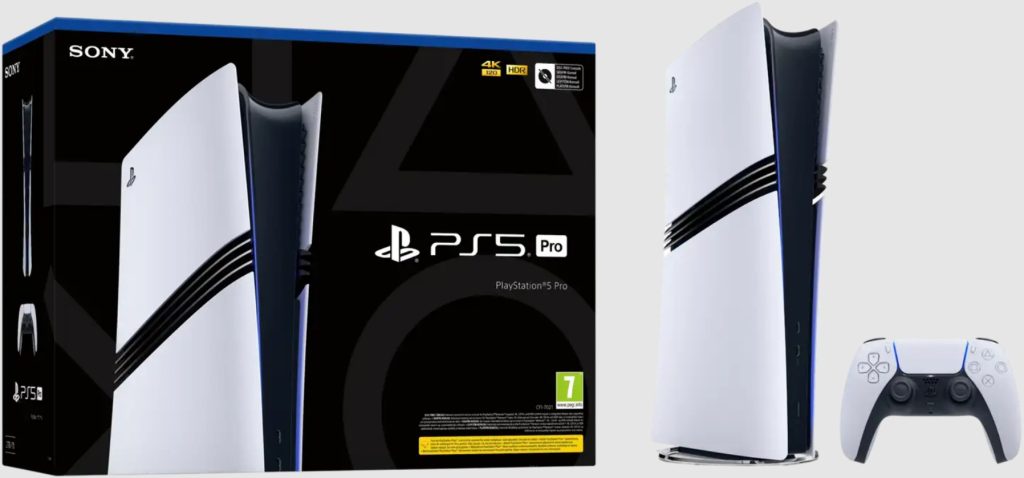
For most players, though, a standard PS5 (or PS5 Slim) will still deliver a solid experience — you just may need to accept slightly lower visual settings, fewer headroom margins and possibly some longer load times or streaming stalls in extreme situations.
MSFS 2024 on PS5 is a landmark moment for console sim-pilots, bringing the full global scenery and systems depth to a broader audience. That said, the hardware/peripheral ecosystem at launch is narrower than many might hope. If you’re serious about simming on PS5 and want the best fidelity, choose a PS5 Pro and pair it with the Thrustmaster T.Flight HOTAS 4 (and pedals) — you’ll get the richest experience. If you’re budget-minded or just want to “dip your toes” in virtual flight, a standard PS5 with DualSense is still viable — you’ll just be giving up some performance and expansion headroom.