


Don’t forget to study one of our most-read articles, Performance Boost Tricks for X-Plane 12, to gain smoother flying. Another popular one is X-Plane 12 Essentials, including addons and tweaks that transform the sim into a truly immersive experience.
I’ve been flying real aeroplanes for a long time — piston singles in my early days, turboprops on short hauls, and jets under airline SOPs for the last decade. Flight simulators are a comfortable, valuable bridge between the two worlds: tools to keep procedural memory sharp, systems understanding current, and — yes — a place to relax and explore aircraft types we don’t get assigned at work. I’ve spent dozens of hours in X-Plane 12 since its release, and the 12.3 series (culminating in 12.3.1) is the set of updates I’ve been testing recently. Below is my candid, pilot-first review — what changed, what actually matters, and how the sim now stacks up for real-world pilots who want a useful, accurate training environment or a satisfying recreational sim.
X-Plane 12.3.1 is a minor, focused patch that fixes several integration and stability issues identified after the larger 12.3 feature set. The substantive new features were introduced in 12.3.0 (notably a new weather radar architecture and a substantial A330 systems update). 12.3.1 primarily addresses waypoint icon display problems when the legacy weather radar is used, restores Air Manager integration for third-party hardware, and fixes a shader logging crash affecting some users. If you fly with third-party panels or rely on the sim’s weather radar behavior, 12.3.1 brings welcome polish and stability.

What 12.3.1 actually delivered
Laminar Research describes 12.3.1 as a focused bug-fix release rather than a feature release. The headline items were:
- Waypoint icon display fix when enabling the Weather Radar on aircraft using the legacy weather radar system (this corrected N-D or EFIS map display anomalies many add-on authors and users had reported).
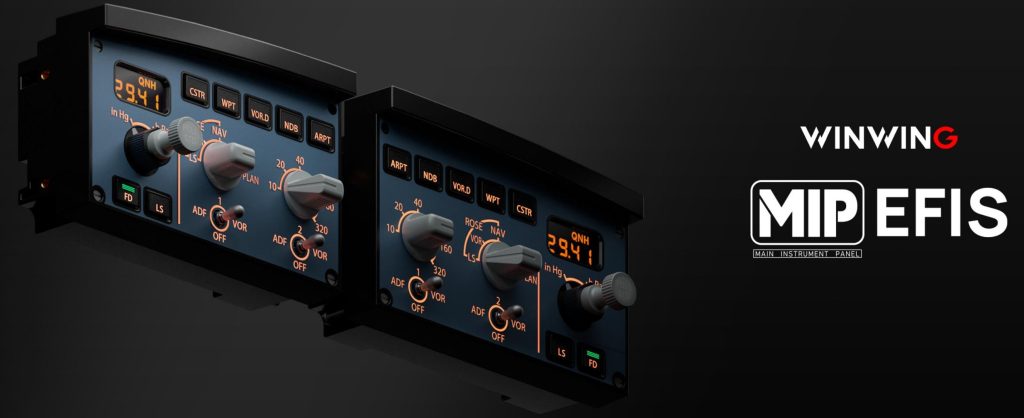
- Restored Air Manager integration — important for those using hardware panels driven by Air Manager (it had been partially broken in a prior build).
- Shader logging/crash fix — prevented a particular shader logging condition from causing crashes for some users.
- A new installer binary was also made available to address distribution/installation edge cases.
Those are small but meaningful fixes for the subset of users affected. For pilots who use third-party hardware or who pay attention to navigation display fidelity when weather radar is active, this one matters.

12.3.0’s features that matter to pilots
While 12.3.1 is minor, it’s important to view it as part of the 12.3 wave. Several key changes introduced in 12.3.0 are what I’d call “operationally meaningful”:
- New Weather (WX) Radar display / architecture — Laminar introduced an advanced weather radar display option for aircraft authors (while keeping the legacy composite WX display available). This 12.3+ change provides a more authentic radar depiction and advanced behaviors for EFIS maps and radar instruments used by add-ons. For a real-world pilot, a realistic radar model matters for practicing avoidance and understanding how radar returns are displayed in an EFIS context.
- Airbus A330-300 systems overhaul — 12.3.0 included substantial work on the default A330: VNAV logic, flight-planning interactions, cockpit lighting and general systems fidelity. This wasn’t a cosmetic tweak — it changed logic and behaviour that affect flight planning, autopilot VNAV intercepts, speed management and more. If you use the default A330 as a study airframe, the update is noticeable and welcome.
- Visual and atmospheric refinements — iterative work on near-aircraft volumetric cloud rendering and other lighting/texture updates improved visual cues pilots rely upon during approaches and visual meteorological conditions (VMC). These are subtle but important for a pilot’s visual scan and situational awareness in the sim.
- Ongoing ATC improvements (recent roadmap activity) — Laminar has actively been reworking the built-in ATC to make it more realistic and flexible (better IFR/VFR support, SID/STAR handling, request/response flows, and audio routing). This is not an overnight fix but the roadmap indicates continued emphasis on making ATC usable for procedural practice. For IFR pilots who want realistic clearances, this is promising.

My hands-on impressions
Flight model and handling
X-Plane’s edge remains its physics core. As a pilot, I’m always checking how the sim handles speed stability, stall buffet, and control feel. In the 12.3 builds I’ve flown:
- Handling fidelity remains very good. Stall behavior, pitch authority at varying weights, and the way flaps and slats change buffet characteristics feel coherent and useful for procedural training. Sheeted gust or turbulence behavior still gives realistic pitch/roll transients that force you to cross-check instruments and adjust trim — the kind of things that reinforce stick-and-rudder skills in a useful way.
- V-speed and takeoff performance: reports and small fixes around V-speed handling suggest the team has tuned aircraft performance curves that many of us use for realistic takeoff and climb. While add-on aircraft often override default behavior, the stock aircraft now give better baseline numbers that align more closely with published procedures and published performance for similar weight ranges.
Systems, FMS and navigation
- FMS and VNAV: The A330 work shows Laminar is willing to go deeper into complex VNAV logic; as a jet pilot, I value that. VNAV speed/altitude transitions and path tracking in the updated A330 felt less “gamey” and more deterministic — you can plan climbs and descents with fewer surprises.
- Weather radar and WX depiction: The addition of an advanced WX radar display is meaningful. In real flying we use radar as one of several tools to manage convective avoidance and to interpret intensity returns. The new architecture gives sim pilots and add-on developers more tools to reproduce that behavior. Conversely, the existence of the legacy mode preserves compatibility for older panels and avionics. This dual approach is pragmatic but does mean you must know which mode your installed aircraft expect.
Add-ons, panels and third-party integration
- Air Manager fix in 12.3.1: For anyone operating hardware panels or home cockpits driven by Air Manager, this unblocks workflows where instruments would stop talking properly to the sim. That kind of fix is tiny in patch size but large in usability.
- Plugin stability: The shader logging/crash fix reduces random CTDs (crash-to-desktop) for users who had that specific issue. Again — small technical change, large quality-of-life improvement.
Performance and VR
- My VR runs have been solid on capable hardware; 12.3’s graphical tweaks (clouds and lighting) bring visual improvements that make VR approaches and pattern work more convincing. Performance depends heavily on GPU and settings, but the balance between visual fidelity and frame rate is improving with each minor release.

Real-pilot use cases — where X-Plane 12.3.1 shines
Useful for:
- Systems study and procedural practice. The improved A330 VNAV and more realistic radar behavior mean you can practice flows, FMC programming, and cross-check logic in ways closer to the real machines — excellent for line pilots wanting to keep mental models fresh.
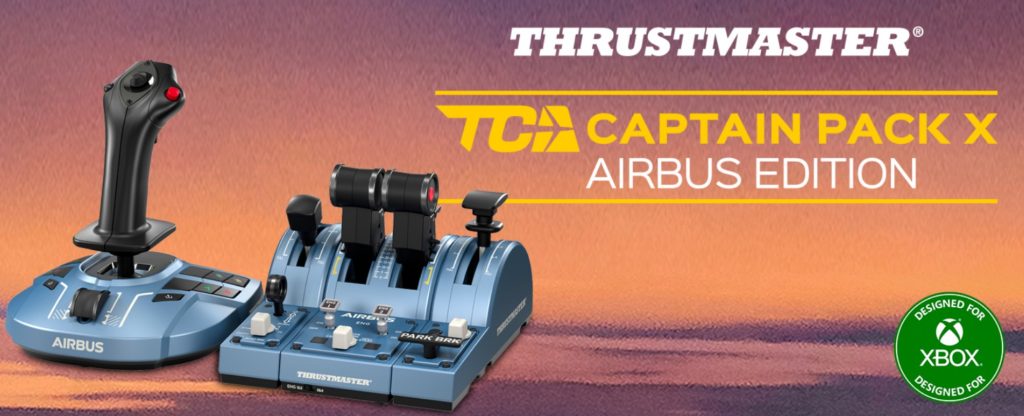
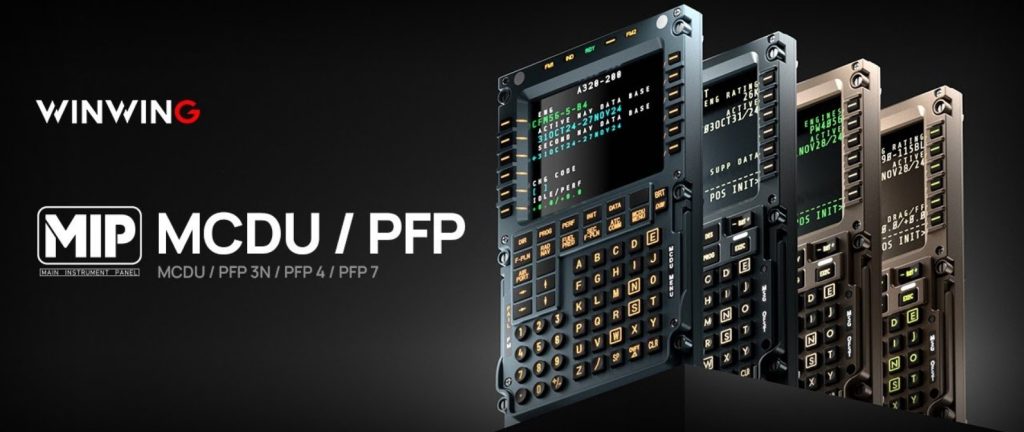
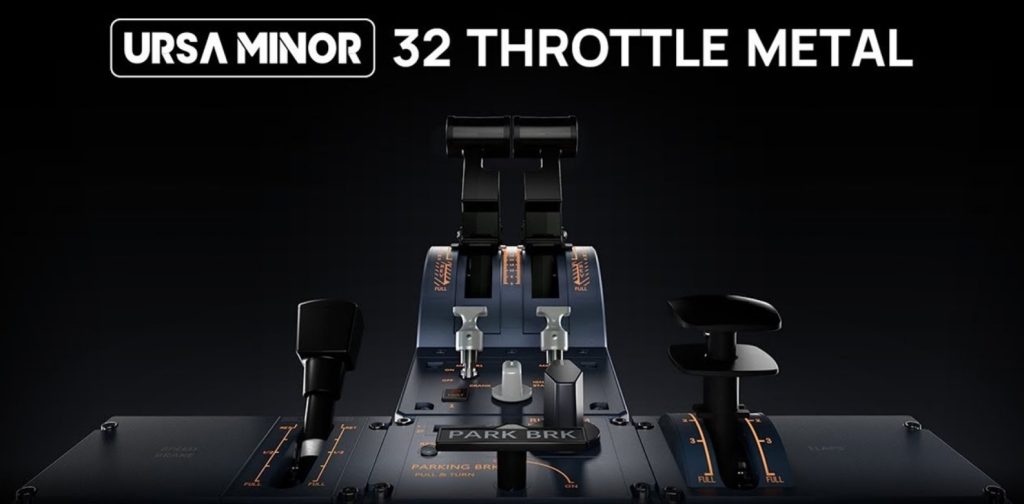
- Home cockpit builders and hardware panel users. Restored Air Manager support makes the sim more reliable in a real-hardware environment.
- Weather and avoidance practice. The new WX radar option gives you a better platform to practice interpreting radar returns and integrating that with route changes and ATC coordination.
Not ideal for:
- Certified training. X-Plane is a brilliant learning and practice tool but not a substitute for a certified AATD/FAA device. Don’t conflate procedural competency in the sim with real currency.
- Those content only with flashy scenery. If your sole interest is high-photoreal scenery without attention to systems or flight model, other ecosystems and third-party scenery libraries still complement X-Plane, but 12.3 focuses more on systems fidelity than purely on scenery photorealism.

Pros and cons (as a real-world pilot)
Pros
- Physics-first flight model. X-Plane’s blade-element aerodynamics remain a huge advantage for pilots; the aircraft react predictably to changes in configuration, speed and trimming inputs.
- Meaningful systems updates (A330 VNAV and more). Laminar is committing to deeper systems fidelity rather than cosmetic fixes, which matters heavily to pilots practicing SOPs.
- Improved weather radar architecture. A more realistic WX radar display for authors raises the ceiling for add-on avionics fidelity and in-sim weather interpretation.
- Small but crucial stability fixes in 12.3.1. Air Manager restoration and the waypoint/icon fixes are the kind of polish that makes a sim viable for serious home cockpit setups.
- Active development and transparent change log. Laminar’s release notes and developer posts clearly explain changes — helpful when you’re troubleshooting add-ons or community panels.
Cons
- Patch cadence can be confusing. The 12.3 series had multiple successive minor builds and betas; add-on authors and some users can be left temporarily out of sync (Steam/public beta branching complicates installs). This is a process problem more than a technical one, but it’s real for home cockpit operations.
- Legacy vs new radar modes adds complexity. Offering both the legacy composite and the new radar is sensible, but it also means there are two paths for behavior — and add-on authors must decide which to target. For users, that means verifying aircraft compatibility and occasionally toggling modes.
- Some graphical edge cases remain. The shader logging crash fix in 12.3.1 shows that low-frequency graphical edge cases still exist; they’re being addressed, but they’re symptomatic of a complex rendering stack that occasionally surprises users.
- Not a drop-in for certified sims. If you need a device that meets regulatory training standards, X-Plane is not a certified device out of the box. It’s a superb study and practice platform, but not an FAA/AESA qualification tool.

Practical tips from a pilot’s workflow
- Keep the sim installer updated and use the public_beta channel judiciously. If you rely on third-party panels or expensive add-ons, don’t jump into a beta immediately — wait until authors confirm compatibility. 12.3.1 was available as a public beta/RC before final; that’s how these fixes reached users quickly.
- Check your aircraft’s radar mode. If you operate an add-on with weather radar peculiarities, verify whether it expects the legacy composite WX or the new radar and configure accordingly. The visual behavior and waypoint icon interactions changed enough to require attention.
- Test hardware after patches. After 12.3.1, run a quick hardware-panel sanity check. Air Manager users saw restored integration — but always verify your panel mappings and events after any patch.
- Use the updated A330 for systems practice. If you’re studying Airbus flows, the 12.3.0 A330 is a nice baseline. Don’t assume complete parity with an airline FCOM, but it’s a step closer in VNAV and logic behavior.

Final verdict
X-Plane 12.3.1 is not a headline release full of new aircraft or visually dramatic features — it’s maintenance that matters. From a pilot’s perspective that’s exactly the sort of update that builds confidence: fixes that restore integration with hardware, correct EFIS/map behavior when certain avionics are active, and close down crash modes. Pair 12.3.1 with the underlying 12.3.0 improvements (notably the WX radar rework and the A330 systems update) and you have a sim that is objectively more useful for systems study and realistic procedural practice than it was a few months ago.
For fellow pilots: if you want a sim that rewards attention to checklists, SOPs and systems thinking, X-Plane’s trajectory is encouraging. It’s not the final word in “certified training,” but it’s becoming an increasingly credible, practical and honest tool for keeping skills sharp and exploring new aircraft types.
And finally, don’t forget to study one of our most-read article, Performance Boost Tricks for X-Plane 12, to gain smoother flying. Another popular one is X-Plane 12 Essentials, including addons and tweaks that transform the sim into a truly immersive experience.